
Your Profile
Your Twitter bio is very minimal in comparison to networks like Facebook and LinkedIn. You can customise your profile by selecting unique profile and header images, adding a name, bio, location and website.
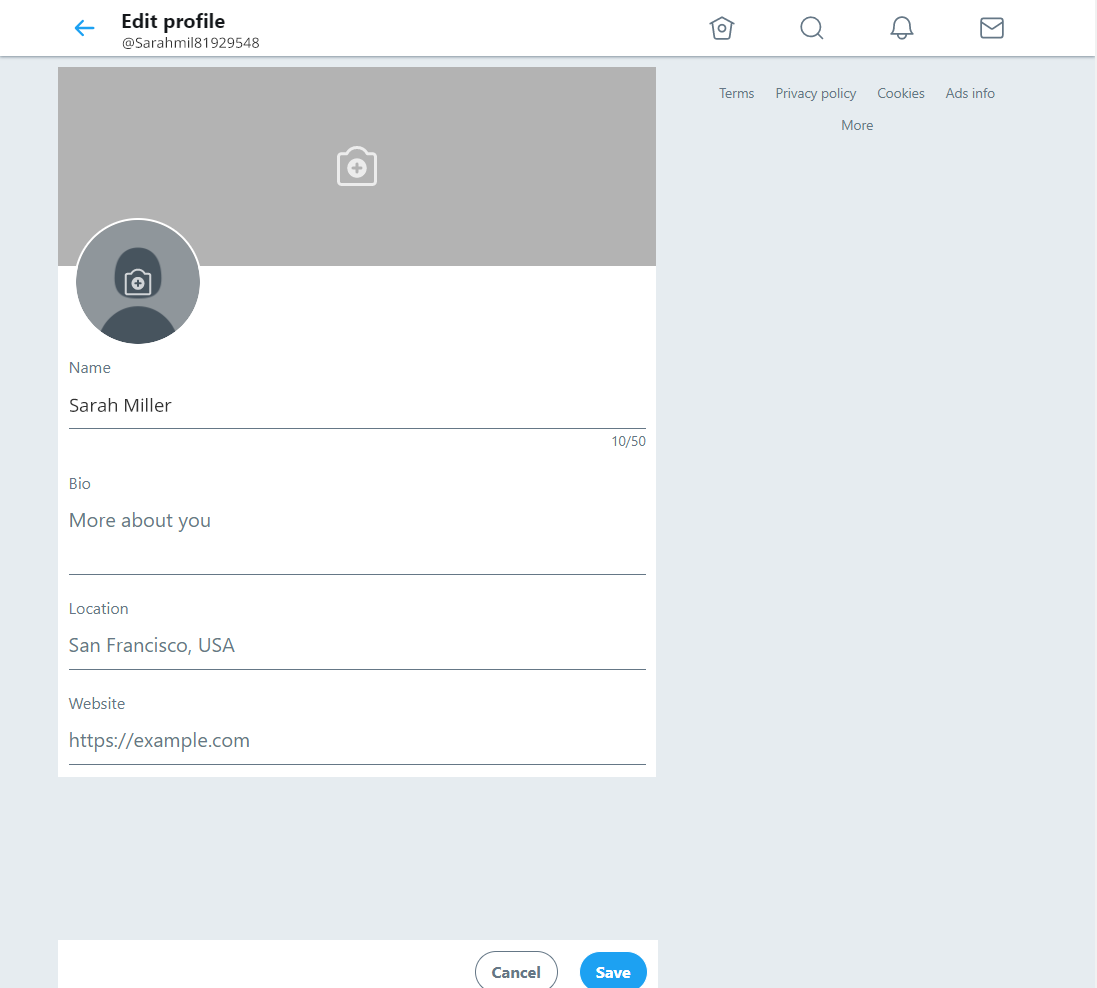
1Your profile picture
2Your website
3Your cover photo
4Your short bio
5Your location
Your profile picture
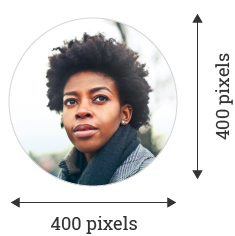
Your Twitter profile photo is the circular image that appears on the top-left side your profile. Your photo should be clear and recognisable whether small or large, since the same photo you choose for your profile image will be used within other people’s streams, and in Twitter’s Who to Follow section on the right side of your feed.
The recommended dimensions for your profile picture are 400x400 pixels. Photos can be in any of the following formats: JPG, GIF, or PNG. (Twitter does not support animated GIFs for profile or header images). To change your profile photo click or tap the camera icon and select “Upload photo” or “Remove”.
Your header photo
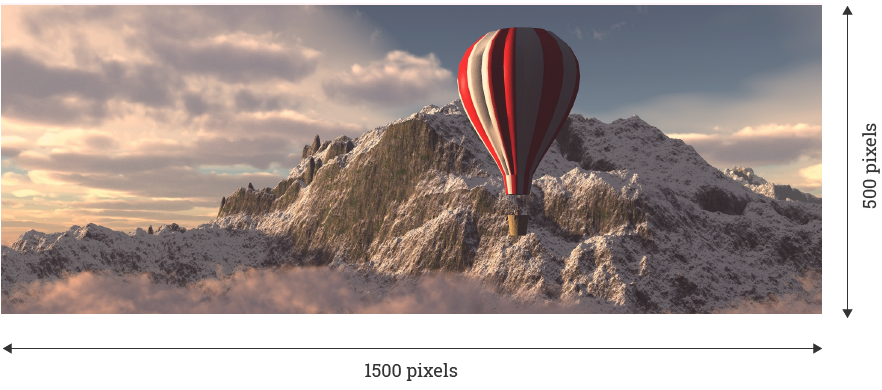
Just like on Facebook, your Twitter header image is the much larger, rectangular photo that appears behind your profile photo and across the top of your profile page. To change your header photo click or tap the camera icon and select “Upload photo” or “Remove”.
This large photo is a great asset. It’s the first thing most people will notice when they visit your profile, and should therefore serve the purpose of piquing their interest immediately.
Your bio
In true Twitter fashion, your bio is limited to 160 characters, so you can’t go into much detail. Instead, focus on sharing insight into what you’ll be talking about on Twitter. This saves visitors the trouble of scrolling through your Tweets to see what they can expect from you. If you manage the Twitter account of a bank, you might want to state in your bio “Tweets about personal finance, insurance and investing”. No gimmicks, but a strong incentive for people to follow who are after that information.
The bio writing process will be a test of your editing skills. If you’re having trouble, ask yourself “does this really need to be in here?” and work to trim the fat. Take your time to get this right. And if you’re stuck, look to the accounts of other industry leaders for inspiration.
You don’t have to fill all 160 characters and you don’t have to feel bad talking about yourself. That’s sort of the idea of a bio. Use whatever style you feel best matches your brand or the image you want to portray. You can write anything you like providing it fits the space.
It may take a few tries before you feel like you’ve nailed it. That’s okay. You’re allowed to change your Twitter description as often as you like. In fact, it’s probably a good idea to do so. With every change, hopefully you’ll get closer to perfection.
Make sure your bio is connected by using hashtags, @s, or links. For example:
Hashtags: If you are a “CEO” for example, you can add “#CEO” to connect your bio to mentions of #CEO on Twitter.
@s: If you work at a company, have started business, or are otherwise connected to some other Twitter accounts, link to them.
Links: You can add outbound links to your Twitter profile, too.
Seven signs of a great Twitter bio
1It's accurateOne profesional description.
2It’s excitingOne word that is not boring.
3It’s targeted One niche descriptor.
4It’s flatteringOne accomplishment.
5It’s humanizingOne hobby.
6It’s intriguingOne interesting fact or feature about yourself.
7It’s connectedTo your company or another social profile.